Excl. VAT
Free delivery over £1000 (ex VAT)7 year guaranteeUnbeatable customer serviceOur UK showroom is open! Book your visit
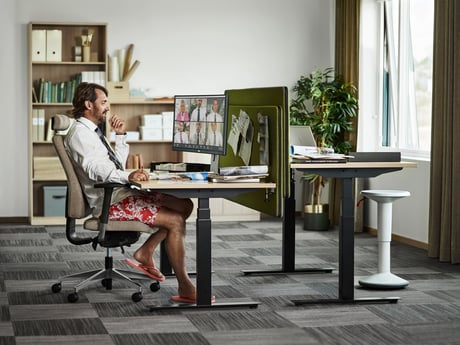
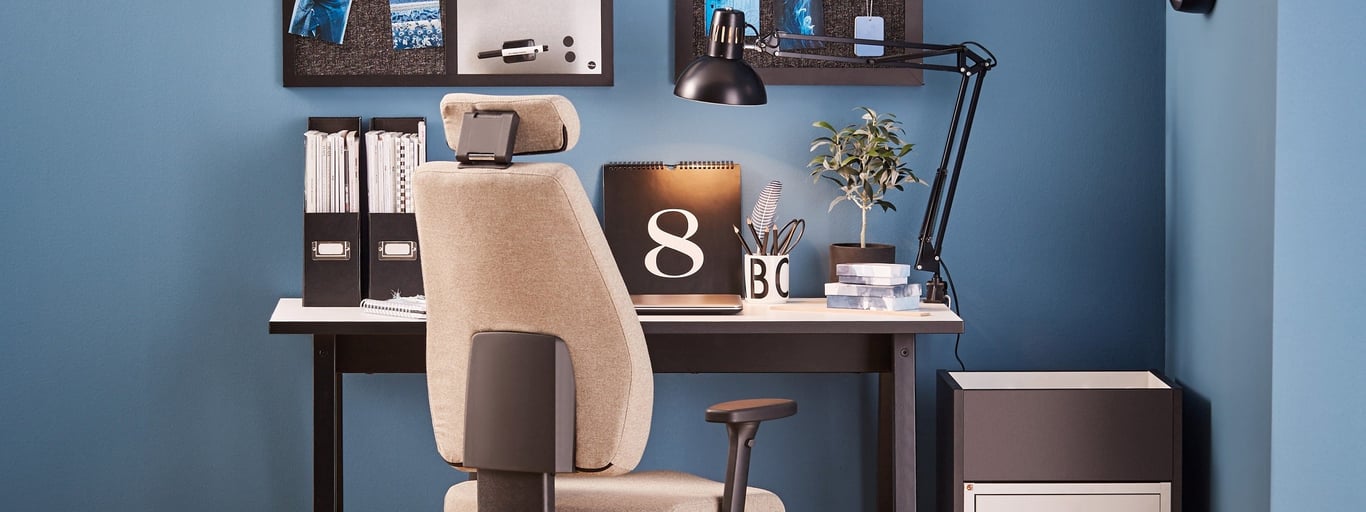
A stylish home office setup featuring a beige ergonomic chair with a headrest, positioned in front of a black desk. The desk is adorned with neatly organised files, a desk lamp, and decorative elements, including a plant and a calendar. The backdrop includes a vibrant blue wall and a pinboard displaying notes and photos, creating a modern and productive workspace.

10 Do’s and Don’ts of Working from Home: The Ultimate Guide

Master remote work while preserving your productivity and work-life balance.
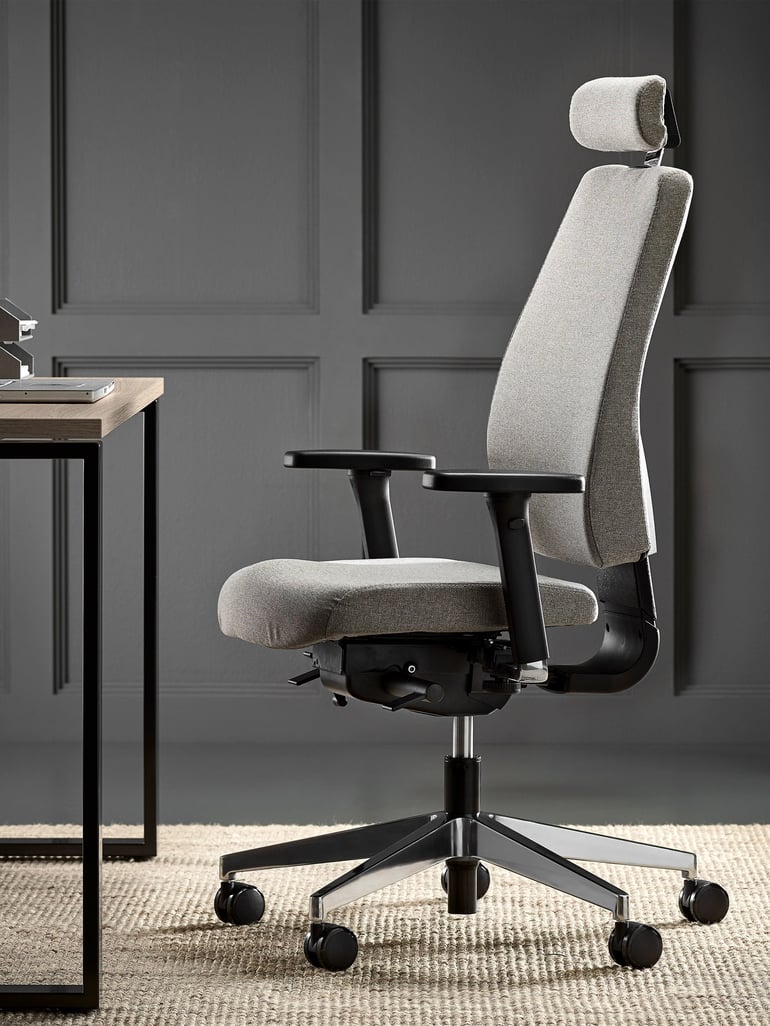
Office chair WATFORD

Features of an Ideal Office Chair

  • Adjustable Lumbar Support: Reduces lower back strain.
  • Tilt Control: Customises the chair to your preferred angle for better posture.
  • Breathable Material: Choose mesh for ventilation or leather for a professional appearance.

Alternative Workspaces

  • Spare Bedroom: Convert it into a dedicated office space with minimal distractions.
  • Living Room Corner: Use a small desk to create a defined work area.
  • Multi-Functional Furniture: Opt for foldable desks or storage units to maximise space in smaller homes.
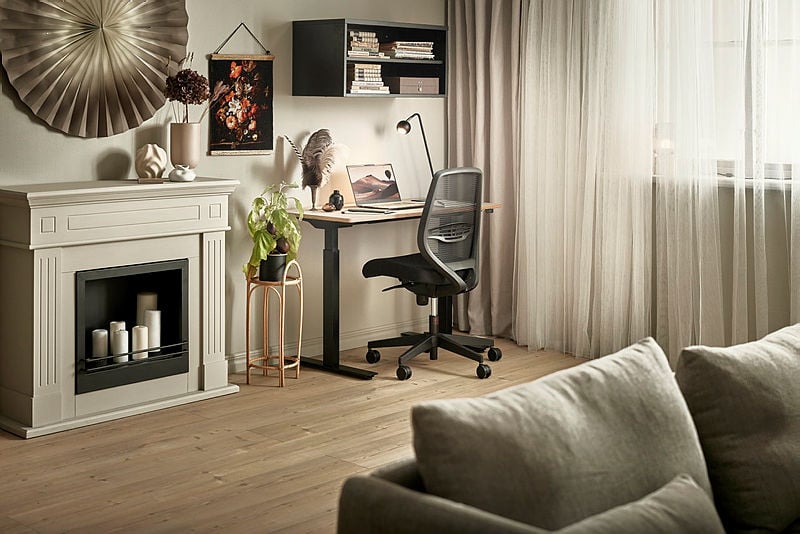
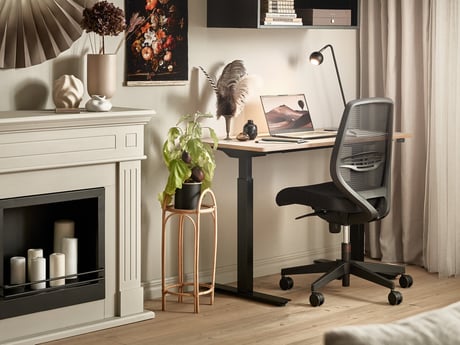
A cozy home office setup featuring a minimalist desk with a black ergonomic chair and a laptop, complemented by a decorative cream fireplace adorned with candles and modern accents. The space includes a beige sofa, soft curtains that filter natural light, and artistic wall decor for a warm and inviting ambiance.

CLICK TO VIEW AN EXAMPLE OF WORKDAY SCHEDULE
Time Activity
8:00 am - 9:00 am Morning routine and breakfast
9:00 am - 12:00 pm Focused work sessions
12:00 pm - 1:00 pm Lunch break (away from desk)
1:00 pm - 3:00 pm Collaborative work (meetings or group tasks)
3:00 pm - 5:00 pm Solo work and task reviews

Why Multitasking Doesn’t Work

  • Reduced Focus: Switching between tasks causes mental fatigue, lowering productivity.
  • Missed Deadlines: Chores can eat into your designated work hours, causing delays.
  • Blurred Boundaries: Treating work hours as flexible can make it harder to disconnect at the end of the day.

Tips for Setting Boundaries

  • Communicate Your Schedule: Share your working hours with everyone at home so they know when not to disturb you.
  • Use Visual Cues: A "Do Not Disturb" sign on your door or noise-cancelling headphones can signal that you’re busy.
  • Designate Shared Spaces: If you can’t dedicate an entire room to work, establish a specific corner where interruptions are minimised.

Strategies to Avoid Social Media Distractions

  • Log Out: Stay logged out of your personal accounts on work devices to reduce temptation.
  • Use Browser Extensions: Install tools like StayFocusd or Freedom to block distracting websites during work hours.
  • Schedule Breaks: Allocate specific times for browsing social media to keep it under control.
CLICK TO VIEW PRODUCTIVITY APPS TABLE
App Purpose Platform
StayFocusd Blocks distracting websites Chrome
Freedom Blocks apps and sites iOS, Android, Windows, macOS
Forest Encourages focus through gamification iOS, Android
RescueTime Tracks productivity and time spent Windows, macOS, iOS, Android

Benefits of Natural Light and Fresh Air

  • Improves Mood: Sunlight increases serotonin levels, reducing stress and boosting happiness.
  • Reduces Eye Strain: Natural light helps prevent headaches caused by prolonged screen use.
  • Enhances Sleep Quality: Regular exposure to daylight regulates your circadian rhythm.

Simple Ways to Stay Active

  • Use a Standing Desk: Alternate between sitting and standing throughout the day to improve circulation.
  • Set Hourly Movement Breaks: Use timers to remind yourself to stretch, take a short walk, or do light exercises.
  • Incorporate Desk Exercises: Perform simple movements such as leg stretches, seated twists, or shoulder rolls to release tension.
CLICK TO VIEW ACTIVITY IDEAS TABLE
Activity Duration Frequency
Stretching 5 minutes Every hour
Walking 10 minutes Twice daily
Home Workout 20 minutes Once daily

How to Stay Connected

  • Schedule Regular Check-ins: Use tools like Zoom or Microsoft Teams to hold weekly or daily meetings.
  • Engage in Virtual Team Building: Organise online quizzes, virtual coffee breaks, or team challenges.
  • Share Updates: Use project management platforms like Trello or Asana to stay informed about team progress.
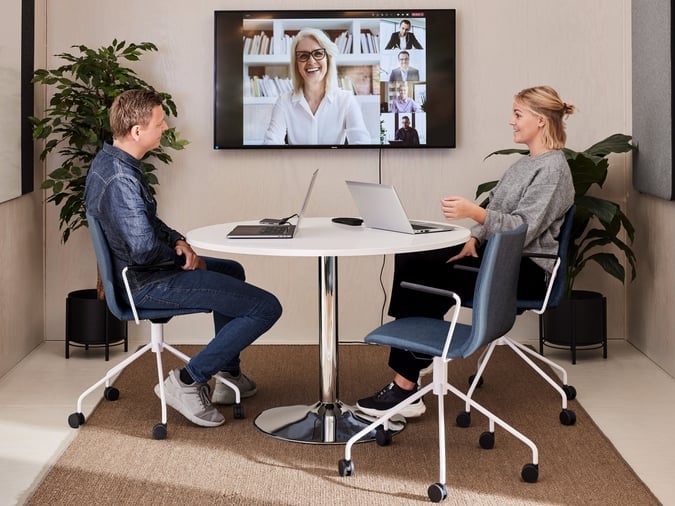
A modern meeting room setup featuring two colleagues seated on blue office chairs with white frames and castors around a round white table. A video conference is displayed on the wall-mounted screen, showing multiple participants. The space is accented by greenery and a neutral rug, creating a professional yet inviting environment.

Benefits of a Dedicated Lunch Break

  • Improved Digestion: Sitting at a table and eating mindfully supports better digestion.
  • Enhanced Focus: A proper break helps you return to work feeling refreshed.
  • Maintained Workspace Cleanliness: Avoid crumbs, spills, and clutter on your desk.

Simple Ways to Improve Your Workspace

  • Add indoor plants to improve air quality and create a calming atmosphere.
  • Use cable organisers to keep wires and chargers neat and tidy.
  • Incorporate motivational quotes, family photos, or artwork to personalise your space.

Steps to Create an Effective Morning Routine

  • Wake Up at the Same Time: Consistency helps regulate your internal clock.
  • Exercise or Stretch: A quick workout energises you for the day.
  • Plan Your Day: Write down your top priorities to maintain focus.